We ♥ Canva
Made it in Canva?
We'll print it.
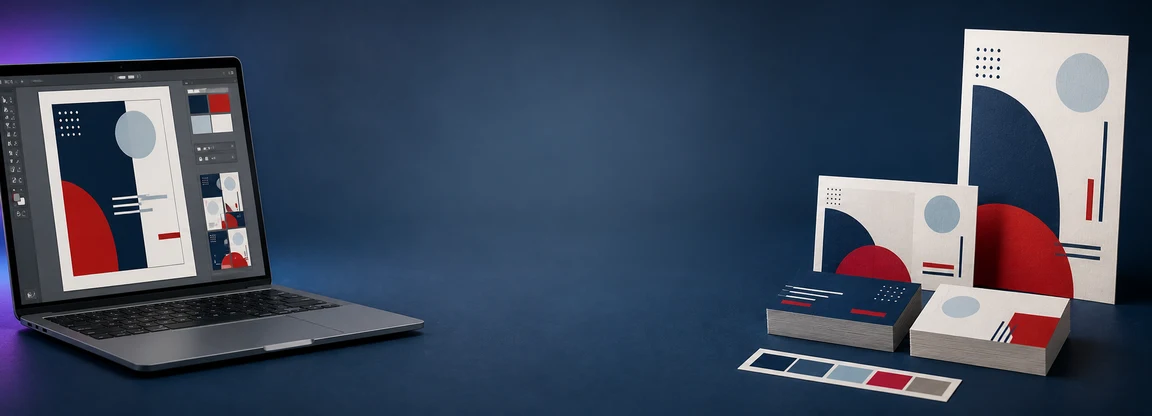
Love designing in Canva but want it printed right, fast, and local? Send us your design and we'll turn it into business cards, flyers, signs, banners, and more!
The direct line
Send it straight from your Canva
Connect once and your designs show up right here. Pick one, tell us what you need, and we pull the print file straight from Canva. Nothing to download, nothing to attach.
Connect your Canva
One click, approved on Canva's own screen. We only get permission to view your designs and create print-ready blanks for you. You can disconnect anytime from your Canva settings.
Prefer not to connect? The share and upload options below work great too.
Your designs
Pulling your design from Canva…
Grabbing the print file and dropping it in our production queue. This takes a few seconds.
It's here. 🎉
Your design landed in our queue with your contact info attached. We'll come back with a price, usually the same day. Need it sooner? Call or text 919.244.2790.
Starting from scratch?
Open a blank in your Canva that's already the right print size, bleed included. Design it, hit Return in Canva, and you'll land right back here.
Three steps from Canva to your hands
Design it in Canva
Make whatever you need, or grab a design you've already made.
Send it to us
Connect your Canva above and send it in two taps, share it with us inside Canva, or upload a PDF. Every way works.
Pick it up
We print it on real paper and materials and have it ready for pickup or local delivery.
Easiest: share it in Canva
- Open your design and click Share (top right).
- Under "People with access," enter info@signaturepostal.com.
- Set the dropdown to Can edit so we can prep it for print.
- Click Share. That's it, we'll take it from there.
Or send us a file
Prefer a file? In Canva choose Download → PDF Print (turn on crop marks and bleed if you see the option), then send it through our Send a File page.
Why print your Canva designs with us
Printed local, not shipped
Skip the wait on a package from who-knows-where. Pick it up at 726 N Main Street, often the same day.
More than Canva's catalog
Business cards to 3 x 6 banners to yard signs and decals, on the papers and materials you actually want, with finishing like lamination, folding, mounting, and grommets.
We'll make it print-ready
Bleed, resolution, color. If your file needs a tweak to print sharp, we handle it. We design in Canva every day, so we speak it fluently.
Real people who'll help
Not sure how to export, or whether it'll hold up at size? Bring it in or send it over and we'll walk you through it.
Bring your Canva design to life.
Send it over and we'll get you a price, usually the same day. Or stop by 726 N Main Street and, for a lot of jobs, we'll have it ready while you wait.
Open Monday to Friday 9 to 6, Saturday 9 to 2 · 919.244.2790